Choosing and Configuring Templates
AJAX Auth essentially comes with four different themes, the Default and Minimalistic, and modal variations of each. These are responsive and using best design practices, with strong styling rules to ensure consistency across themes. You can see an example of each below:
- Default
- Minimalistic
- Modal (Default)
- Modal Minimalistic
- Classic
- Classic Vanilla
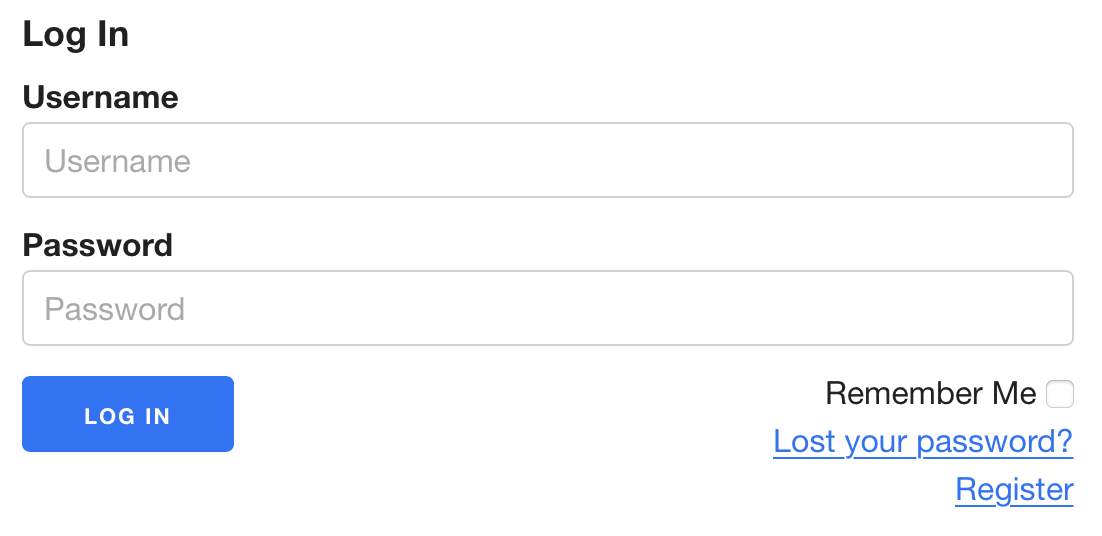
The default form, with a regular but clean style.
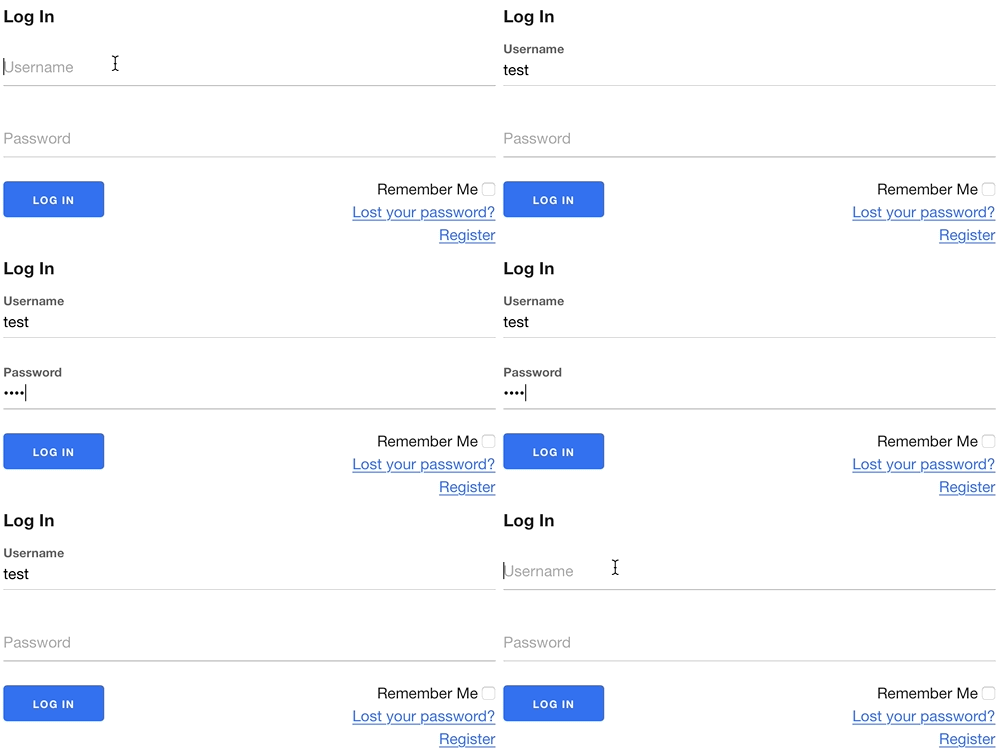
As you can see, the label/placeholder shifts up when the user starts typing, creating a minimal look until interacted with.

The modal template starts with a button, that when clicked on will display a modal popup containing the login form.

The modal template starts with a button, that when clicked on will display a modal popup containing the minimalistic login form.
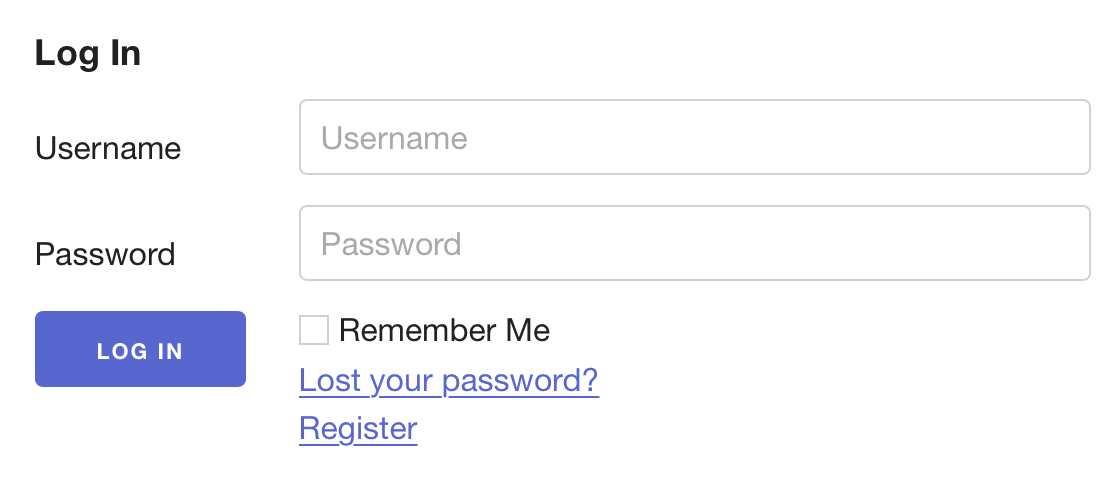
The Classic template, keeping the original AJAX Auth login form layout with labels on the side.
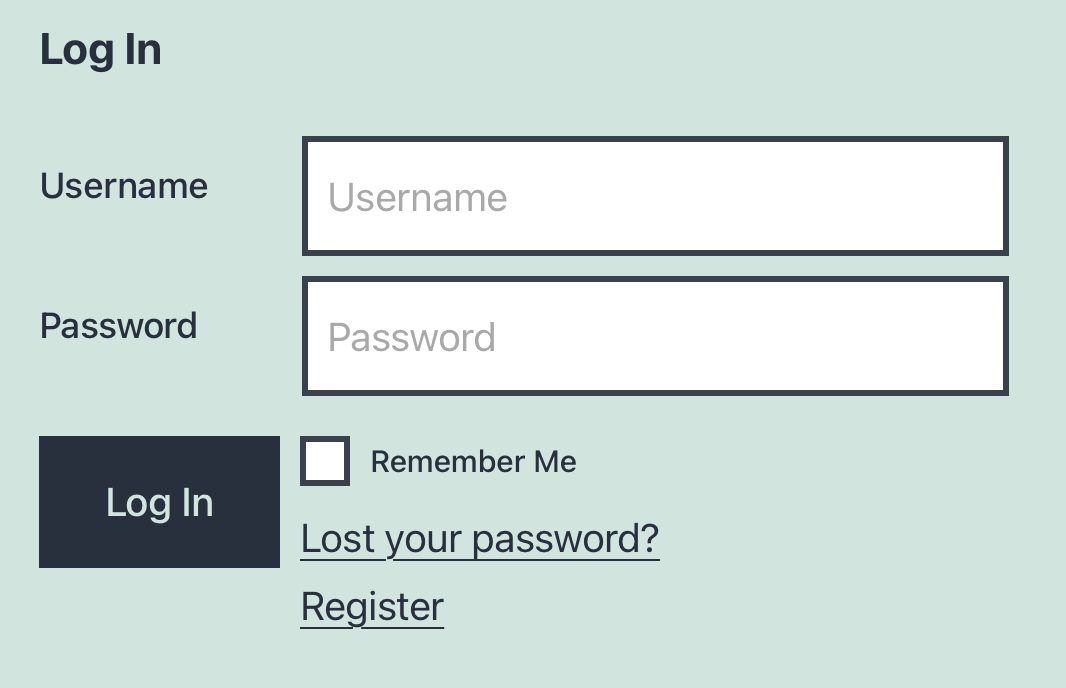
The Classic Vanilla template, much like the Classic template but without any styling, allowing other themes to take over.
Below is an example of the form viewed with the Twenty Twenty default WordPress theme.
This is nearly identical to the original AJAX Auth default template from version 3.x and earlier, but without using HTML tables.
Modals
The templates Modal and Modal Minimalistic will display a button that, when clicked on, will open a modal/pop-up window containing the login form in the same styles as the regular templates above.
Color Schemes
Our shipped themes have the option of choosing a base color. You can choose the default color for new blocks/widgets for page builders or if you use a shortcodes or PHP functions without a set color. This can be changed via the Template Option setting in WP Dashboard > Settings > Login With Ajax > General Options
Further Customizations (Advanced)
You can further customize these default templates using CSS, override or create a new custom template entirely, these are covered in our advanced documentation.