Elementor Widget Pro
info
Elementor integration is included in our Pro Add-on and is activated automatically once Pro is installed.
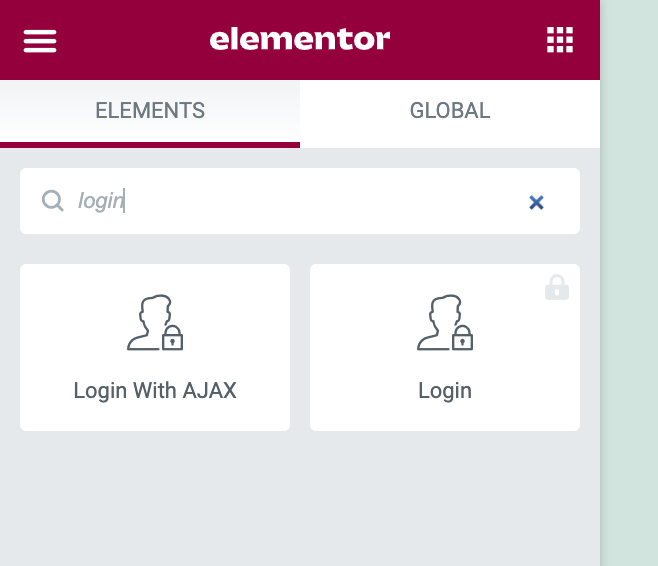
The process of adding the Elementor widget to an Elementor editing page is pretty similar to how you'd add a regular Elementor widget. You'd first search for the Login With AJAX widget, which you could do simply by searching for login:
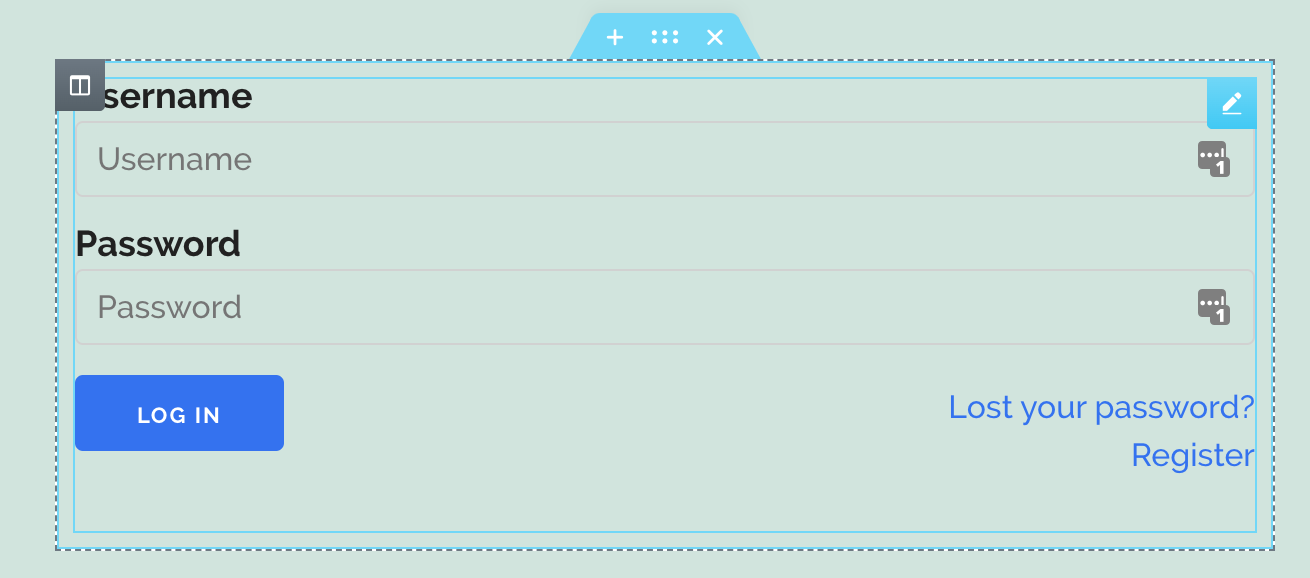
When you add the widget, you will see the login form by default. All the options available to you are covered in the login form documentation page.
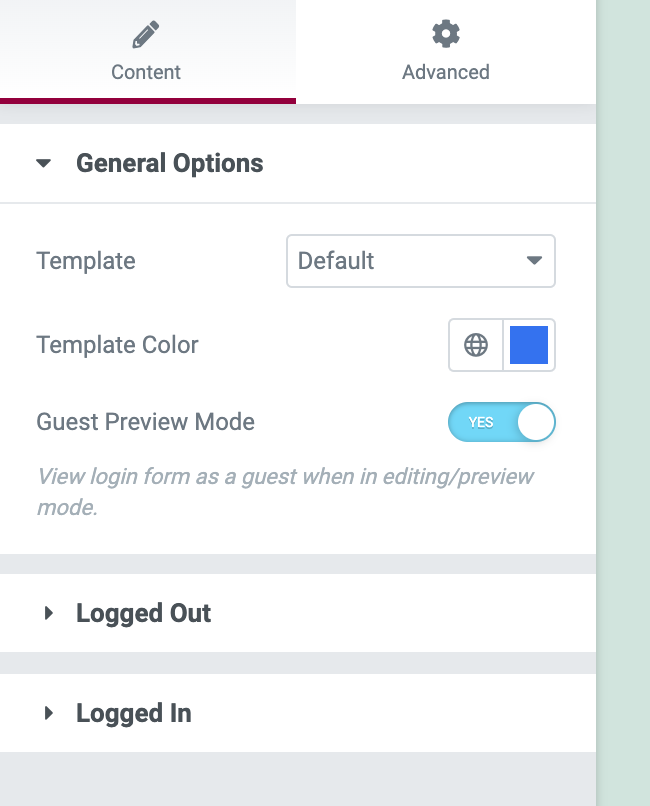
Additionally to these options, you will see an extra option called Guest Preview Mode, as per the screenshot below. By toggling this option on/off, you will see the form view whilst logged in or logged out.