2-Factor Authentication (2FA)
info
This page is incomplete and contains basic/general information to get you started, we are currently working on our documentation for this feature. Bear with us!
Enable 2-Factor Authentication in the WP Dashboard > Settings > Login With Ajax > Security tab to require users to verify with a code sent to their email once successfully logging in.
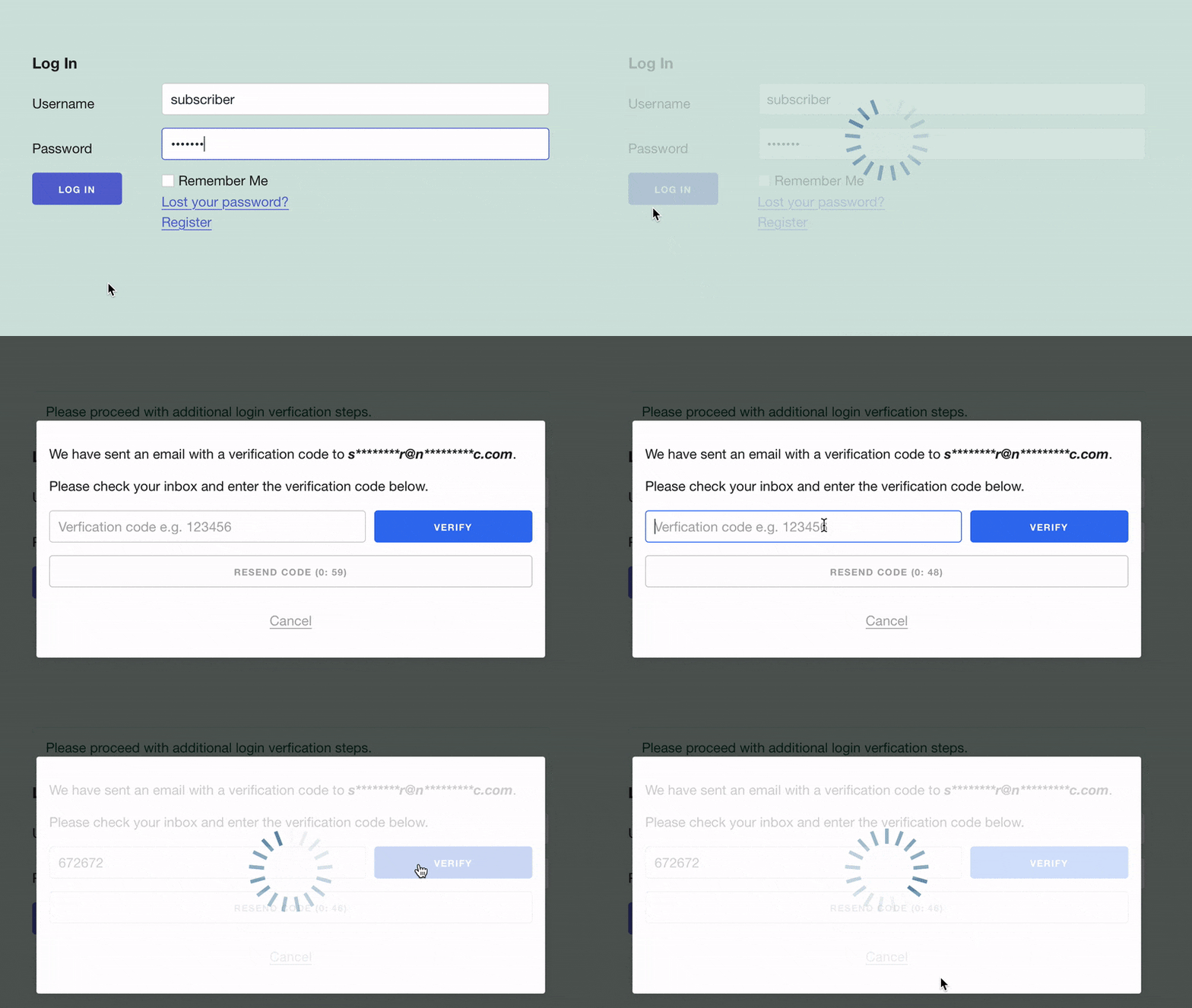
You can choose whether to require this on every successful login, every certain number of days (you can choose the amount of time), or for it to get triggered by other security features, such as Login Limitation and/or reCaptcha.
Verification Methods
You choose which 2FA methods are enabled for your site. If more than one is enabled and applicable to the user, they can switch method while logging in.
| Method | Available in |
|---|---|
| Free plugin | |
| Authenticator App | Free plugin |
| Backup Codes | Free plugin |
| Passkeys | Free plugin |
| SMS, via Twilio | Pro |
| Pro | |
| Telegram | Pro |